Unlocking Security: The Benefits of Fingerprint and Biometric Smart Locks
Unlocking Security: The Benefits of Fingerprint and Biometric Smart Locks As technology progresses, so does the evolution of home security. Gone are the days of traditional keys and cumbersome combi

David Chen
Tech Reviewer & Airbnb Host
David reviews smart home tech and manages short-term rentals. He knows exactly what hosts need to keep guests safe without intrusive setups.
Unlocking Security: The Benefits of Fingerprint and Biometric Smart Locks
As technology progresses, so does the evolution of home security. Gone are the days of traditional keys and cumbersome combinations. In their place are smart locks, particularly fingerprint and biometric smart locks, which offer enhanced security without the hassle of keys. This blog post will guide you through how these smart locks function, installation tips, best practices, and what to consider before making a purchase.
How Fingerprint and Biometric Smart Locks Work
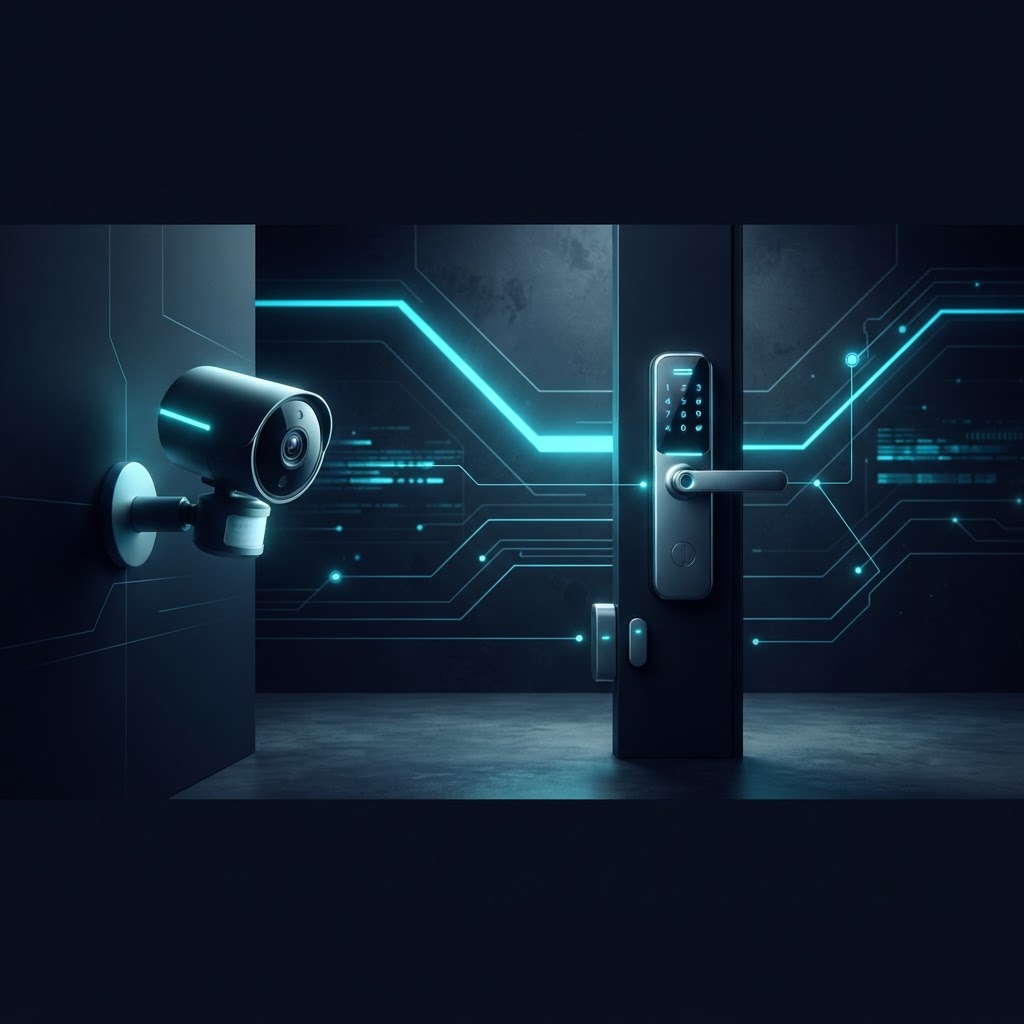
Fingerprint and biometric smart locks utilize advanced technology to provide secure, convenient access to your home. Here’s a brief overview of how they work:
- Biometric Scanning: These locks scan unique physical characteristics, most commonly fingerprints. This scanning is done using a sensor that reads the patterns of your fingerprint and compares them to previously stored data.
- Encrypted Access: Once the fingerprint is scanned, it is converted into a digital code that is securely encrypted. Only the correct match can unlock the door.
- Smart Connectivity: Many fingertip locks can connect to your smartphone or other smart devices, allowing remote access, entry logs, and notifications.
Installation Tips for Smart Locks
Installing a fingerprint or biometric smart lock is usually straightforward, especially if you follow these tips:
1. Choose the Right Lock for Your Door
- Compatibility: Ensure the smart lock fits your door’s specifications. Check for compatibility with your door type—whether it’s a deadbolt or a keypad-style handle.
- Battery Dependency: Most smart locks operate on batteries. Make sure to choose one with a long battery life or an option for hardwiring.
2. Gather Necessary Tools
- Basic Tools: Typically, you will need a screwdriver, measuring tape, and possibly a drill.
- Follow Instructions: Each lock comes with an installation manual; ensure to follow the instructions closely for a successful setup.
3. Connect to Your Smart Home System
- Wi-Fi or Bluetooth: If your smart lock offers Wi-Fi or Bluetooth connectivity, follow the manufacturer’s instructions to connect it to your home network or smartphone.
- Test the Connection: Once installed, make sure you can access the lock remotely to confirm that everything is functioning correctly.
Best Practices for Using Smart Locks
To maximize the security and convenience offered by your fingerprint or biometric smart lock, consider the following best practices:
- Enroll Multiple Users: Allow family members access by enrolling their fingerprints. Most systems let you store multiple fingerprints, enhancing accessibility for everyone.
- Regularly Update Software: Keep the firmware of your smart lock updated to benefit from the latest security features and improvements.
- Utilize Access Logs: Regularly review entry logs if your device supports it—this will help you stay informed about who enters your home and when.
- Set Up Temporary Codes: Many smart locks allow you to create temporary codes for visitors, such as maintenance workers or house sitters, providing access without compromising security.
Considerations Before Buying a Smart Lock
Smart locks are a substantial investment for any homeowner or renter. Here are some considerations to keep in mind when selecting the right one:
1. Security Features
- Encryption Standards: Opt for smart locks that use advanced encryption methods to safeguard your data.
- Physical Backup: Ensure there is a physical key option in case of battery failure or technical issues.
2. User-Friendly Features
- Ease of Use: Look for locks with intuitive interfaces and easy enrollment processes for fingerprints.
- Remote Access: Features like remote locking and unlocking through your smartphone can enhance convenience, especially in rental settings.
3. Price Point
- Budget-Friendly Options: While fingerprint and biometric smart locks tend to be pricier than traditional locks, there are affordable models available. Search for options that provide good value and low or no monthly fees.
- Warranty and Support: Check the warranty period and customer support options from the manufacturer to ensure you’re covered in case of issues.
Conclusion
In closing, fingerprint and biometric smart locks represent a leap forward in home and rental security, combining convenience with cutting-edge technology. By enriching your understanding of how these locks function, installation tips, best practices, and crucial buying considerations, you're now better equipped to enhance your home security with smart technology. Whether you're a homeowner or a renter, investing in a smart lock is an excellent way to boost your peace of mind without the hassle of monthly fees.
Product disclaimer
Smart security products support awareness, alerts, access control, and convenience. They do not guarantee prevention of theft, damage, leaks, unauthorized entry, or emergencies.