Small Business Smart Security Kit: A Practical Guide
A practical guide to building a small business security setup with smart locks, cameras, motion sensors, and smart power products without a monthly monitoring contract.

Elena Torres
Security Systems Consultant
Elena advises property owners on practical security upgrades. She specializes in no-contract, self-monitored systems for apartments and homes.
Bottom line up front
A small business smart security kit should focus on access control, exterior awareness, entry monitoring, motion detection, and after-hours automation. You can build a practical setup with smart locks, cameras, sensors, and smart power products — without a monthly monitoring contract.
Start with all Cryptronics products, Build your kit, or Explore the ecosystem.
What small businesses need from smart security
Small businesses face different risks than homes. Key concerns include:
- Access control — managing who can enter and when
- Exterior awareness — monitoring entry points, parking areas, and loading zones
- Entry monitoring — knowing when doors or windows open after hours
- Motion detection — detecting movement in restricted areas
- After-hours automation — controlling lights and devices to simulate occupancy
Recommended small business starter kit
A practical small business security kit:
- One smart lock for the main entrance — Wi-Fi enabled for remote access management
- One exterior camera covering the front entrance
- One indoor camera in a key area like a stockroom or office
- Two door/window sensors on back doors and windows
- One PIR motion detector in a restricted area
- One smart power strip for after-hours device and lighting control
Best product categories for small businesses
Smart locks
Smart locks help manage employee access without rekeying. Set individual codes, track entry times, and revoke access when an employee leaves.
The Smart Aluminum Door Lock — $89 — supports Wi-Fi, card, fingerprint, key, and app access. Best for businesses that need remote management.
The Smart Palm Deadbolt Lock — $99 — is a deadbolt with a built-in door viewer. Premium option for exterior business doors.
Exterior cameras
Exterior cameras monitor entry points, parking areas, and loading zones after hours.
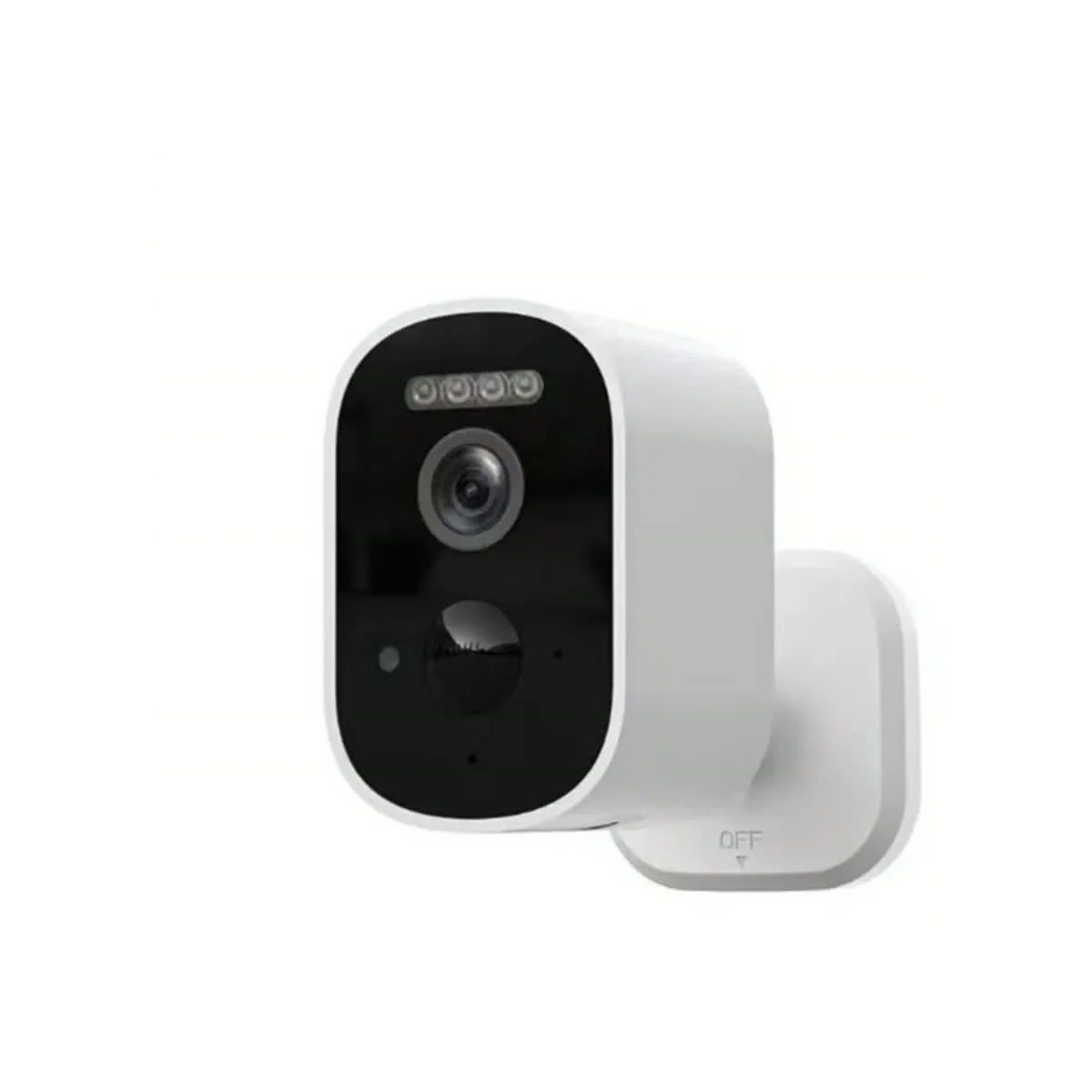
The Cryptronics Exterior WiFi Camera — $59 — offers 1080p video, night vision, and weather-resistant construction.
For locations without nearby power, the Solar Powered Outdoor Cam eliminates the need for wiring.
Door and window sensors
Door/window sensors alert you when entry points open after hours. Place them on back doors, side doors, and accessible windows.
The Cryptronics Door / Window Sensor — $29 — uses adhesive mounting and sends phone alerts through the Tuya Smart app.
Motion detectors
Motion detectors sense movement in restricted areas, stockrooms, or hallways during off-hours.
The PIR Motion Detector — $22 — includes adhesive mounting and adjustable sensitivity.
Smart power
Smart power products control lights, signs, and devices on schedules to simulate occupancy and save energy.
The Smart Power Strip lets you control multiple devices from the app. The Smart Socket Plug — $19 — controls individual devices.
No monthly fee advantage
Traditional business security systems often require a monthly monitoring contract of $30–$100 per month. Over a year, that is $360–$1,200 in recurring costs.
Cryptronics products work without a monthly monitoring plan. You pay for the hardware once. Optional cloud storage for cameras is available through the Tuya app but is not required.
For more on the no-fee approach, see our No Monthly Fee Smart Home Security guide.
Safety detectors
Businesses should also consider safety detectors:
- The Smoke, Gas & CO Detector helps support safety awareness
- The Smart Smoke Detector Alarm provides early smoke detection
These products support awareness but do not replace required commercial fire and safety compliance.
FAQ
Can I manage employee access with smart locks?
Yes. Set individual codes for each employee, track entry times through the app, and revoke codes when employees leave. Wi-Fi locks like the Smart Aluminum Door Lock support remote management.
Do I need professional installation?
No. Cryptronics products are designed for DIY setup. Cameras plug into power, sensors use adhesive mounting, and smart locks install with basic tools.
Can I monitor my business remotely?
Yes. Wi-Fi cameras and Wi-Fi smart locks support remote viewing and control through the Tuya Smart app on your phone.
Product disclaimer
Smart security products support awareness, alerts, access control, and convenience. They do not guarantee prevention of theft, damage, leaks, unauthorized entry, or emergencies. Commercial properties must follow local fire, safety, and building code requirements.