Automate Your Home Security Routine With Smart Power Strips
Smart power strips do more than manage outlets — they can anchor your entire home security routine. Learn how to automate your setup without monthly fees or drilling.

Priya Sharma
Home Automation Writer
Priya writes practical guides for renters and first-time homeowners. She's obsessed with finding budget-friendly smart home solutions.
Automate Your Home Security Routine With Smart Power Strips
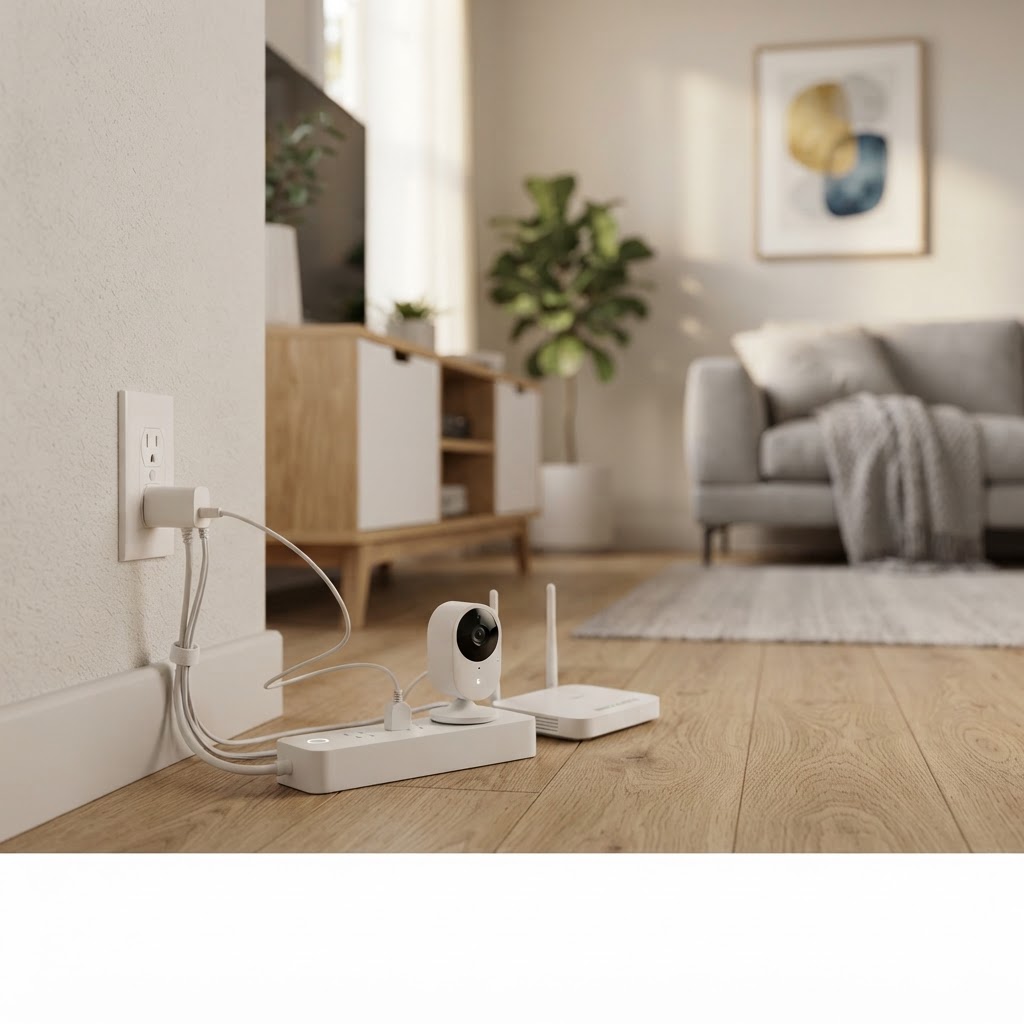
When most people think about home security, they picture cameras, locks, and sensors. Smart power strips rarely make the list — but they should. A quality smart power strip is quietly one of the most versatile tools in a modern security setup, acting as the central nervous system that ties your devices together, keeps them powered consistently, and lets you automate routines that run even when you're not home.
Whether you're a renter in a Los Angeles apartment, a homeowner looking to tighten up your setup, or an Airbnb host managing a property remotely, here's exactly how to use smart power strips to elevate your security routine — no monthly subscriptions, no permanent installations, no hassle.
What Makes a Smart Power Strip a Security Tool?
A standard power strip keeps your devices plugged in. A smart power strip goes several steps further. It gives you individual control over each outlet via a smartphone app, lets you schedule on/off times, monitors energy usage, and — critically for security — ensures your connected devices are always on when they need to be.
For security purposes, this matters more than most people realize:
- Your security camera loses its feed if its outlet loses power. A smart power strip with surge protection and remote monitoring means you'll know immediately if something disrupts your camera's power source.
- Automating lights through a smart power strip creates the appearance of occupancy, one of the most effective deterrents against break-ins.
- Scheduling devices to cycle can prevent overheating on continuously running equipment like routers and NVR systems that your cameras depend on.
- Remote control from anywhere means you can power cycle a frozen device without driving home.
Paired with Cryptronics' no-subscription smart cameras and video doorbells, a smart power strip ensures your surveillance equipment stays live and responsive 24/7.
Building an Automated Security Routine: Room by Room
Automation only works if it's intentional. Here's a practical framework for using smart power strips throughout your home to create a layered, always-on security environment.
Living Room & Entry Points
Your front entry is your highest-risk zone. A Cryptronics video doorbell at the door combined with a smart power strip managing your interior entry lights creates a powerful first line of defense.
- Schedule entry lights to turn on at dusk automatically
- Set a lamp on a randomized schedule when you travel to simulate presence
- Power your router through a dedicated smart outlet so you can remotely reboot it if your camera's cloud connection drops
Pairing this with Cryptronics door and window sensors on your front and back doors means you get both physical alerts and a powered-up visual deterrent working together.
Bedroom & Home Office
This is where your security hub or NVR (network video recorder) often lives. Keeping this equipment on a smart power strip gives you:
- Scheduled restarts for your router or hub during off-peak hours to maintain peak performance
- Instant remote shutdown of non-essential devices if you suspect unauthorized access to your network
- Surge protection to safeguard expensive equipment during LA's occasional electrical storms
Kitchen & Utility Areas
The kitchen and utility closet are often overlooked in security planning, but they're home to serious hazards. Cryptronics water leak sensors placed under sinks and near appliances work best when their alerts feed into a broader automated routine.
Consider connecting a smart power strip near your washer or under-sink cabinet to:
- Power your water leak sensor's hub reliably
- Automatically cut power to an appliance if a leak is detected (when paired with compatible automation rules)
- Keep your Cryptronics smoke detector hub powered without depending on a single wall outlet
Renter-Friendly Security: No Drills, No Damage
One of the biggest concerns for Los Angeles renters is damaging walls or violating lease agreements with permanent installations. This is where Cryptronics products — and smart power strips in particular — shine.
Smart power strips require zero installation. They plug in, connect to your Wi-Fi, and immediately become controllable from your phone. There's nothing to mount, no anchors to drill, and nothing to patch when you move out.
The same philosophy extends across the Cryptronics lineup:
- No-drill smart locks replace or attach to existing deadbolts without permanent modification
- Adhesive-mount cameras and sensors go up and come down cleanly
- Video doorbells designed for renters that don't require hardwiring
When your lease ends, everything unplugs and comes with you. That's security you actually own.
Why Smart Power Strips Are Ideal for Airbnb Hosts
If you're managing a short-term rental in Los Angeles, automation isn't a luxury — it's a necessity. You can't be on-site for every guest check-in and check-out, which means your security systems need to work reliably without manual intervention.
Here's how Airbnb hosts use smart power strips strategically:
- Automate a "welcome lighting" routine that activates when a guest is expected to arrive
- Schedule outdoor camera power cycles overnight to clear memory and refresh connections
- Remotely verify that all security devices are powered before a new guest checks in
- Cut power to non-essential guest electronics between stays to reduce energy costs and reset the space
Paired with Cryptronics smart locks that allow unique guest codes for each booking, you get a fully automated check-in and security experience that guests notice — and review positively.
Why Cryptronics for Airbnb Hosts:
- No monthly monitoring fees eating into your rental margins
- 2-year warranty so your investment is protected across dozens of guest cycles
- 30-day return policy if a product doesn't fit your property layout
- Designed for the renter and host context from the ground up
Choosing the Right Smart Power Strip for Security Use
Not all smart power strips are equal. For security-focused use, look for these key features:
- Individual outlet control — You need to manage each device independently, not just the whole strip
- Energy monitoring — A sudden spike or drop in draw can signal a device malfunction
- Surge protection rating — Look for at least 1000 joules to protect camera systems and routers
- App reliability and local control — Cloud-only control means a Wi-Fi outage disables your automation; local control keeps things running
- Scheduling and automation support — Timer and routine features are non-negotiable for security automation
- Compact form factor — For renters, a strip that doesn't block adjacent outlets is a practical must
Conclusion: Small Device, Big Security Impact
A smart power strip won't replace your cameras, locks, or sensors — but it will make all of them work better. By ensuring consistent power, enabling remote management, and anchoring your automation routines, it transforms a collection of smart devices into a genuinely coordinated security system.
For renters, homeowners, and Airbnb hosts in Los Angeles who want real security without long-term contracts or invasive installations, the smart power strip is one of the highest-value, lowest-effort upgrades you can make today.
Explore the full Cryptronics smart home security lineup — backed by a 2-year warranty, 30-day returns, and zero monthly fees. Your security routine deserves to run itself.